Quick verdict: Two LIMS quotes with similar headline prices can lead to very different five-year costs. The difference comes from the licensing model (subscription or perpetual), the unit being charged (named users, concurrent users, modules, sites), and everything priced outside the licence: implementation, integrations, data migration, validation, environments and support. Compare vendors on a five-year total cost of ownership built from the same line items, and negotiate the terms that drive cost after year one, such as renewal increases and tier thresholds, not only the entry price. For current price ranges, see our LIMS pricing benchmark; this guide explains the structures behind those numbers.
Why LIMS quotes are hard to compare
Most enterprise LIMS vendors do not publish prices. You receive a quote after a demo, built on assumptions the vendor chose: a number of users, a set of modules, a level of implementation support. A second vendor makes different assumptions. Placing the two totals side by side tells you little until both are broken into the same components.
Three things make this harder than in most software categories:
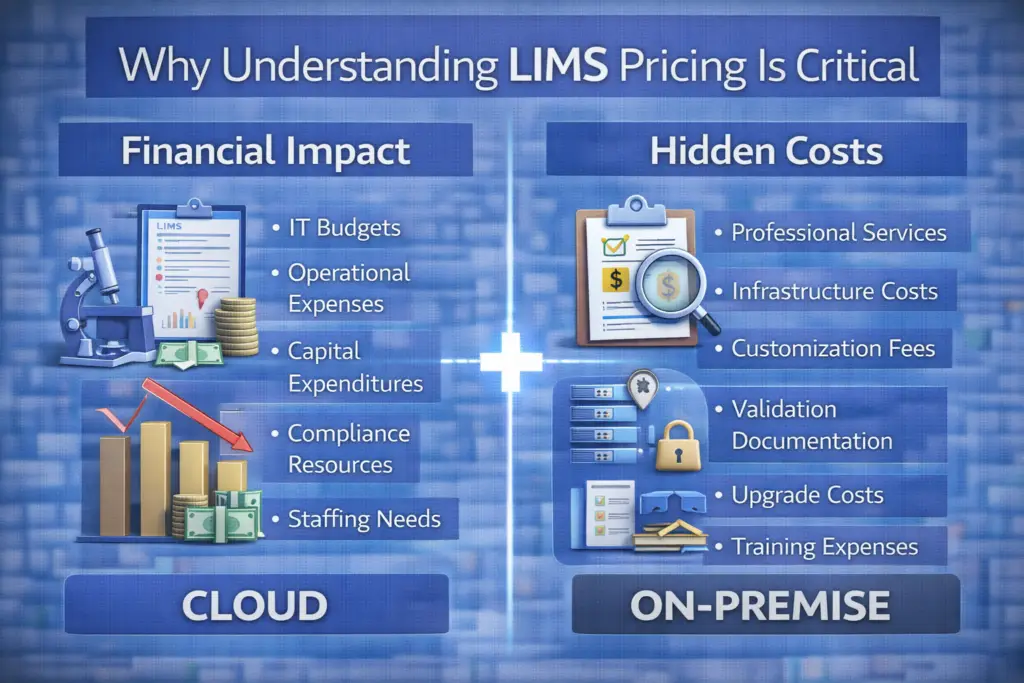
- The licence is only part of the bill. Our benchmark found that subscriptions and licences account for roughly 40 to 60% of total LIMS cost, with implementation, migration and change management making up the rest.
- Regulated labs carry costs that others do not. Validation packages, validation environments and revalidation after updates can change the ranking of vendors completely.
- Published prices go out of date quickly. Where vendors or aggregators do publish figures, they change within months, so every number needs a dated, written quote.
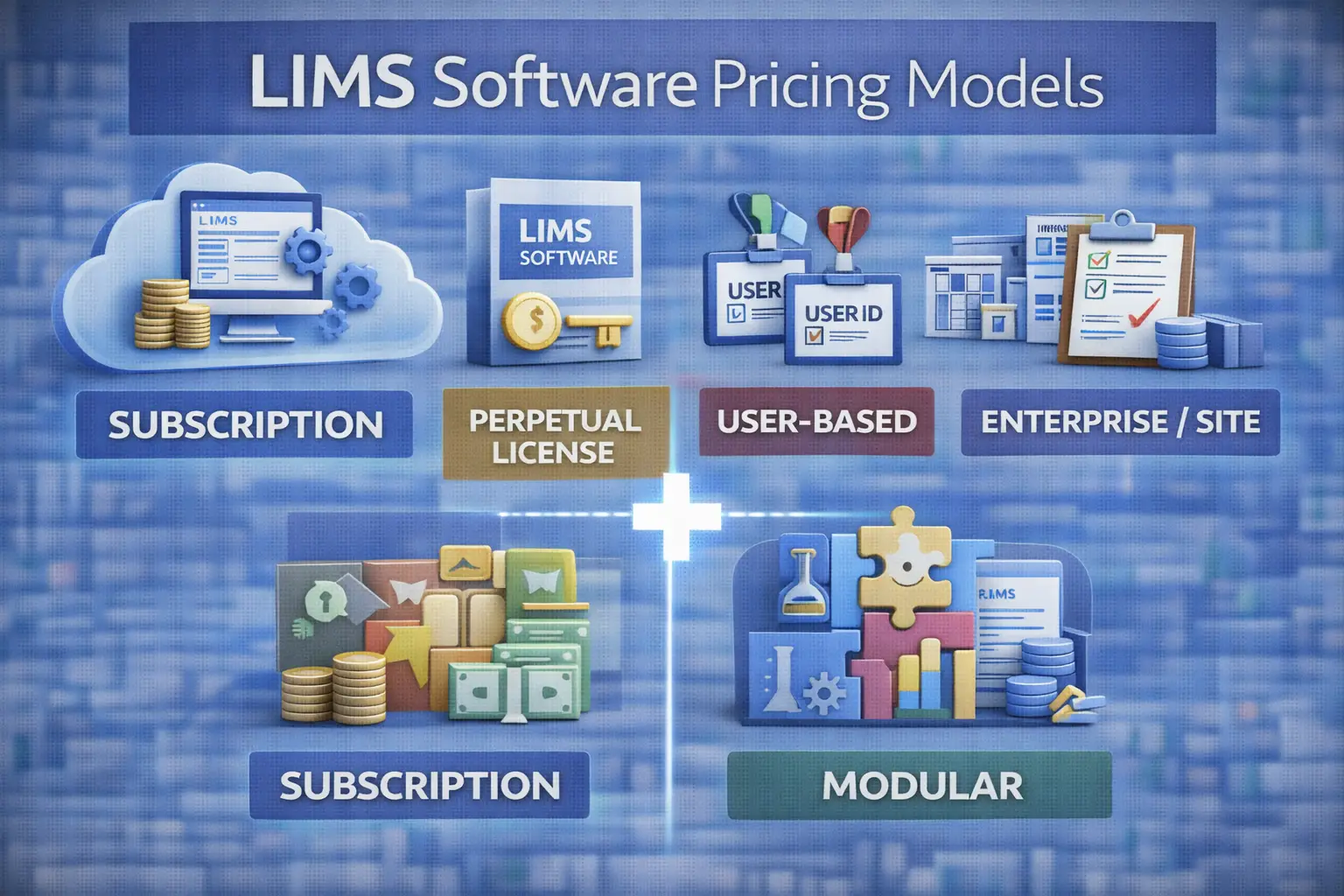
The main LIMS licensing models
| Model | How you pay | Usually suits | What to watch |
|---|---|---|---|
| SaaS subscription | Recurring fee, usually per user per month or per year, billed annually; hosting, updates and standard support included | Small and mid-sized labs, labs without internal IT for servers | Renewal increases, tier caps, what “standard support” covers, data export at exit |
| Perpetual licence + maintenance | Large upfront licence, then an annual maintenance fee calculated as a percentage of the licence | Large or multi-site labs with IT capacity, strict data residency needs | Maintenance percentage, cost of major upgrades and reimplementation, hardware and IT staff |
| Named-user pricing | Each individual account is licensed | Stable teams where most staff use the system daily | Occasional users (reviewers, auditors, managers) inflating the count |
| Concurrent-user pricing | Licences cover the number of people logged in at the same time | Shift work, many occasional users | Peak-time lockouts, how concurrency is measured and audited |
| Modular pricing | Core platform plus paid modules (stability, instrument integration, inventory, reporting, portals) | Labs that want to start small | Modules you will need later priced at list rate; dependencies between modules |
| Site or enterprise licence | Flat fee for a site, a legal entity or unlimited users | Large organizations rolling out across many labs | Minimum commitment, definition of a “site”, renegotiation when scope changes |
| Free or open-source | No licence fee; you pay for hosting, support, configuration and validation | Labs with technical staff and strong data sovereignty needs | Total cost of running it; see open-source LIMS: pros and cons |
Many vendors combine these: a subscription priced per named user, with optional modules and a separate implementation fee, for example. Ask each vendor to state the unit, the tier boundaries and what triggers a change in price.
What sits outside the licence
A quote that covers only the licence is incomplete. Before comparing vendors, ask each one to price or explicitly exclude the following:
- Implementation and configuration: workshops, workflow and specification setup, user roles, report and label templates, project management. Ask whether it is fixed-price or billed by time.
- Instrument and system integrations: each instrument type, CDS, ERP or QMS connection. Clarify what is standard connector work and what is custom development.
- Data migration: extraction, cleaning, mapping and import of legacy results and sample records. This is the budget surprise most often reported by labs.
- Validation: vendor validation package, test evidence, validation services, and a separate validation or test environment. See our LIMS validation guide for what your own team still has to do.
- Training: initial training, train-the-trainer, and training for new staff later.
- Environments and storage: production, test and validation instances; storage limits and overage fees on cloud plans.
- Support tiers: response times, hours, named contacts, and what premium support adds.
- Upgrades: included on SaaS; on perpetual licences, major version upgrades can require new services and revalidation.
- Exit: cost of exporting complete data, including audit trails, if you leave.
Cloud vs on-premise: how the cost structure differs
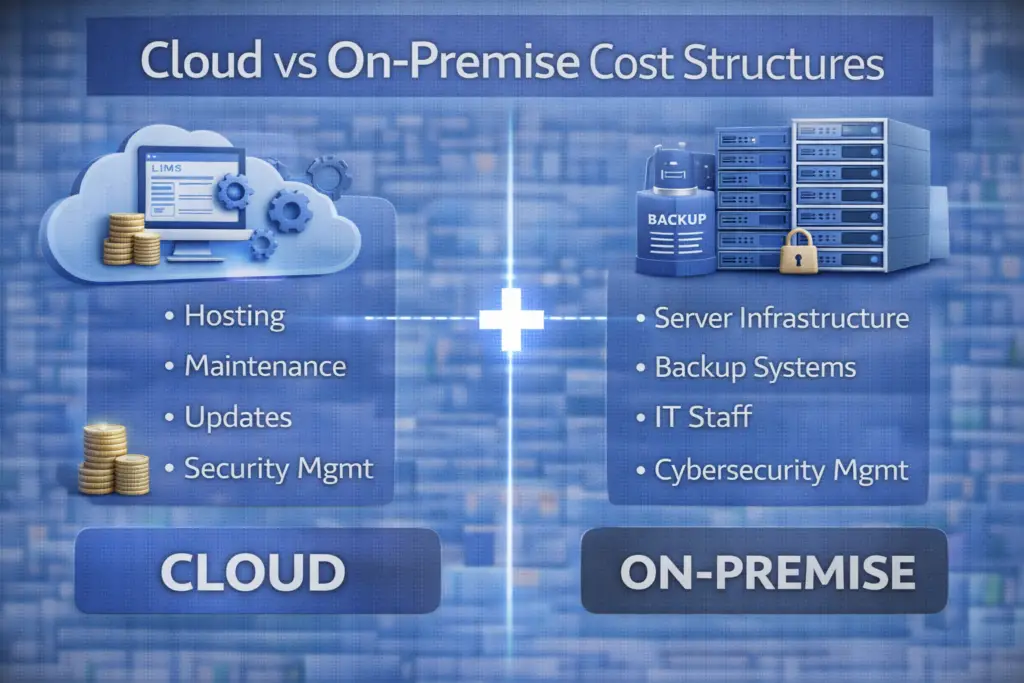
The choice is less about which is cheaper and more about when you pay and who carries which cost.
Cloud subscription spreads cost over time as an operating expense. Hosting, infrastructure security, backups and upgrades are part of the fee. The costs that remain on your side are configuration, integrations, validation, and assessing each vendor release under change control.
On-premise perpetual licensing front-loads cost as a capital expense, followed by annual maintenance. You also pay for servers, backup and disaster recovery, cybersecurity, IT staff time, and the projects that come with major upgrades, including revalidation in regulated environments. Over a long enough period the licence can cost less than a subscription, but only if these internal costs are included, and business cases often leave them out.
A practical test: compare both options over the same five years, with the same number of users and modules, and include internal IT effort as a cost line.
How to build a five-year total cost of ownership
- Fix your scope first. Number of named and occasional users per year, sites, modules, instruments to integrate, volume of legacy data, and whether validation is required.
- Send every vendor the same scope and ask for a quote itemized against the list above, with any exclusions stated.
- Model years 1 to 5. Year 1 carries implementation, migration, validation and training; years 2 to 5 carry subscription or maintenance, support, added users and the realistic cost of upgrades.
- Apply the contract terms. Include the maximum renewal increase, planned user growth and the price of the next tier.
- Add internal costs. Project team time, IT effort for on-premise systems, and QA time for validation and change control.
- Check the result against the benchmark. If a quote sits far below the ranges in our LIMS pricing benchmark, look for what is missing.
ELN buyers can use the same method; our ELN pricing guide applies it over three years.
Negotiation levers that matter
Discounts on the first-year licence are the most visible concession and often the least valuable. These terms usually have more effect on total cost:
- Renewal price caps. A written limit on annual increases protects every year after the first.
- Price lock for additional users and modules at the negotiated rate, for a defined period.
- Tier thresholds. Know where the next price jump sits relative to your growth plan, and negotiate the threshold rather than accept it.
- Implementation on a fixed price with defined deliverables, or at least a capped time-and-materials budget.
- Payment milestones tied to acceptance, for example go-live or completion of validation testing, rather than contract signature.
- Included environments for testing and validation, instead of paid add-ons.
- Validation package included in the price for regulated labs.
- Data export and exit terms, stating format, completeness (including audit trails and metadata) and cost.
- Programmes for academic, start-up or non-profit labs, which several vendors offer but do not always advertise.
Term length is a trade-off: a multi-year commitment can lower the annual price, but it reduces your ability to leave if the system does not work for you. Accept longer terms only with renewal caps and exit terms in place.
Red flags in a LIMS quote
- Implementation is described as “to be scoped” with no estimate or range.
- Integrations are listed without saying which instruments or systems are included.
- Validation is mentioned only as “compliant” or “Part 11-ready”, with no package or services priced.
- Renewal pricing is absent or says “current list price”.
- The user count in the quote is lower than the number of people who will need access.
- Data export at the end of the contract is not addressed.
Our how to choose a LIMS checklist covers the non-financial questions to ask alongside these.
Frequently asked questions
Is a subscription LIMS cheaper than a perpetual licence?
In the first years, usually yes, because there is no large upfront licence or server investment. Over a long period a perpetual licence can cost less, but only once maintenance, infrastructure, IT staff and upgrade projects are included in the comparison.
What is the difference between named and concurrent users?
Named-user licences are assigned to individual accounts. Concurrent licences limit how many people can be logged in at once, which can suit labs with shift work or many occasional users.
Which cost is most often underestimated?
Data migration, followed by validation in regulated labs. Both depend on the state of your existing data and processes, which is why vendors often leave them out of initial quotes.
Should validation be included in the LIMS price?
For regulated labs, ask for the vendor’s validation package and services to be itemized in the quote. Your own validation effort still needs budgeting separately.
Where can I find actual LIMS prices?
Our LIMS pricing benchmark collects published and reported prices, grades how reliable each figure is, and shows where sources disagree.
The bottom line
LIMS pricing is less opaque once you separate the model from the total. Identify how each vendor charges, make every quote itemize the same components, compare five-year costs rather than entry prices, and negotiate the terms that decide what you pay in year three. The vendor with the lowest headline price is often not the one with the lowest total cost.
This article is independent editorial content. No vendor paid for inclusion. Read how we review lab software.
Sources
- Lab Software Guide, LIMS Pricing Benchmark 2026: What Labs Actually Pay: https://labsoftwareguide.com/lims-pricing-benchmark-2026-what-labs-actually-pay/
- CloudLIMS, How Much Does a LIMS Cost? Pricing Comparison, TCO and ROI: https://cloudlims.com/how-much-does-a-lims-cost-pricing-comparison-tco-roi/
- 1LIMS, LIMS Software Costs Breakdown: https://www.1lims.com/blog/lims-software-costs-breakdown
- QBench, The Hidden Costs of a LIMS: https://qbench.com/blog/the-hidden-costs-of-a-lims-what-to-know-before-you-buy
- ISPE, GAMP® 5 Guide, 2nd Edition: https://ispe.org/publications/guidance-documents/gamp-5-guide-2nd-edition
Note: CloudLIMS, 1LIMS and QBench are LIMS vendors; their material is cited for cost structure, not for pricing claims about competitors.