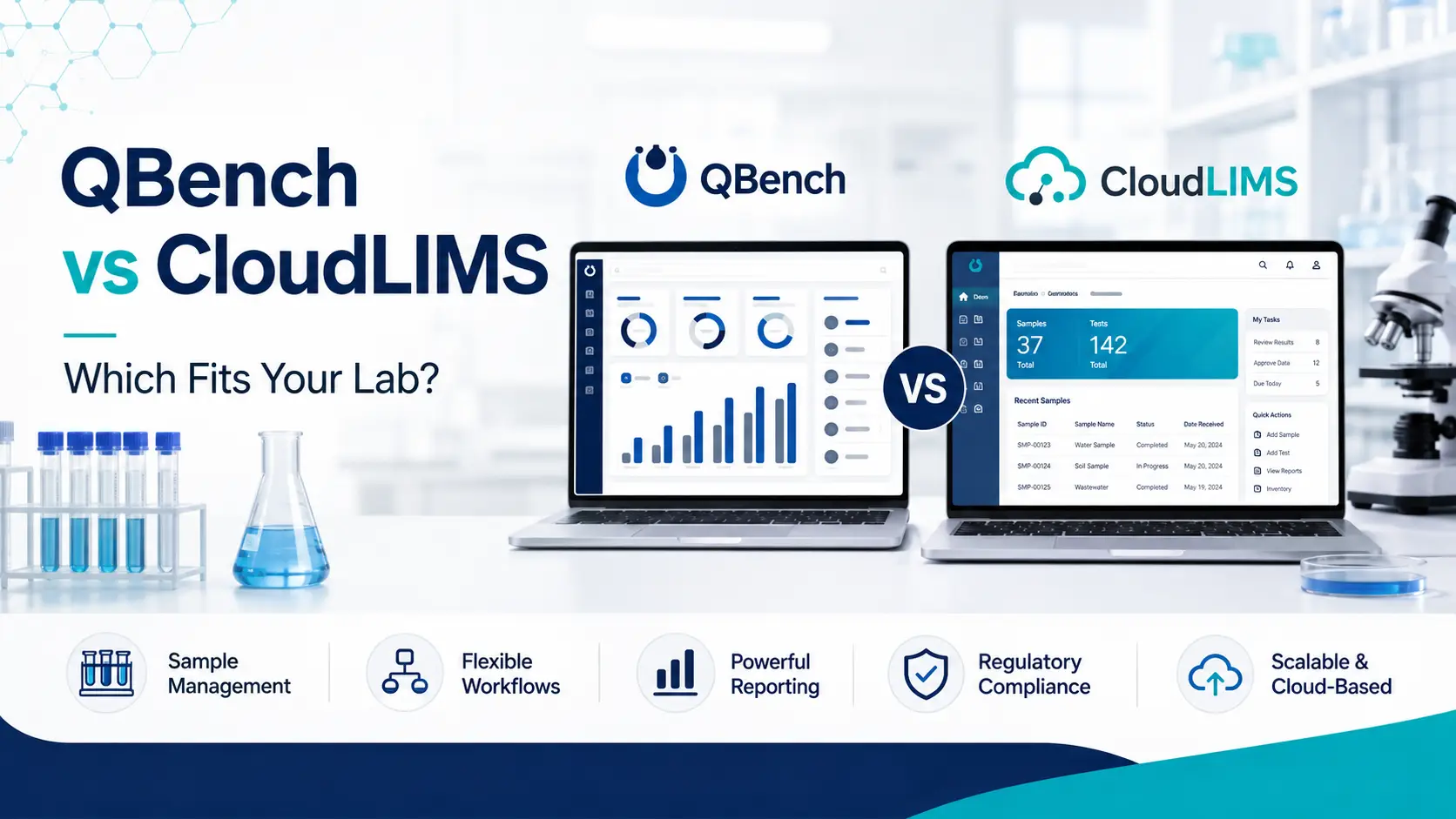
This is the closest matchup in the small-to-mid-market cloud LIMS segment, and both platforms genuinely deserve their shortlist spots. QBench wins on day-to-day usability, support quality, no-code configurability, and API-driven integration — backed by a substantially larger independent review base and repeated G2 usability rankings. CloudLIMS wins on value for money, field and mobile sample workflows, and breadth of regulated-sector coverage from biobanking to environmental testing. One verified user who evaluated both summed the trade-off up precisely: QBench was the more polished product, but the budget didn’t stretch. That sentence is the whole comparison in miniature.
Why these two end up on the same shortlist
QBench and CloudLIMS occupy nearly identical market territory: cloud-native, SaaS-delivered, fast to deploy, aimed at small and mid-sized testing labs that need real LIMS capability without enterprise weight or an IT department. Independent buyer guidance repeatedly names them together as the strongest options for labs seeking a reliable, affordable system.
They’re also both genuinely well-rated, which is not something you can say about every head-to-head. The interesting question is therefore not “which is better” but which trade-off you’d rather make — polish and support depth, or price and sector reach.
The independent scorecard
Neither vendor’s marketing is the right basis for this decision, so here’s what independent review platforms show.
| Dimension | QBench | CloudLIMS |
|---|---|---|
| G2 rating | 4.5 / 5 (139 reviews) | Fewer G2 reviews available |
| Capterra rating | 5.0 / 5 (3 reviews) | 4.6 / 5 (46 reviews) |
| Capterra starting price | $249 / user / month | $230 / user / month |
| G2 entry tier | $275 / user / month (Foundation) | — |
| Market segment | 77.1% small business | Small and mid-market testing labs |
| Free version / trial | Free trial and free version listed | Free trial and free version listed |
| Ease of use (G2) | 8.3 (136 reviews) | — |
| Ease of setup (G2) | 7.5 (76 reviews) | — |
| Quality of support (G2) | 9.3 (103 reviews) | — |
| Good partner in business (G2) | 9.6 (49 reviews) | — |
| Product direction (G2) | 9.7 (108 reviews) | — |
Two important caveats on this table. First, the review bases are asymmetric: QBench has far more G2 reviews (139) while CloudLIMS has the deeper Capterra base (46 versus QBench’s 3). Comparing a 5.0 from three reviewers against a 4.6 from forty-six is not a like-for-like comparison, and the larger sample is the more reliable signal.
Second, QBench’s published price varies by source — $249 on Capterra, $275 as the G2 Foundation tier, and $375 in one G2 editorial listing. These cannot all be current simultaneously. The likeliest explanation is a 2026 price revision or tier renaming, and the practical lesson is to confirm current pricing directly rather than trusting any published figure. Our LIMS pricing benchmark covers this market-wide opacity in detail.
Where QBench wins
Day-to-day usability
This is QBench’s clearest advantage, and it comes from independent sources rather than its own marketing. G2’s editorial comparison of the LIMS category states directly that while CloudLIMS is also user-friendly, QBench tends to stand out more for ease of day-to-day use. QBench has ranked #1 for usability in G2’s Spring 2026 LIMS rankings and has won “Best Relationship” and “Easiest to Do Business With” badges across multiple cycles.
An independent review synthesising over 100 verified reviews from G2, Capterra and Software Advice found the pattern remarkably consistent: QBench wins on speed, no-code configurability, and support.
Support quality
QBench’s G2 support score of 9.3 across 103 reviews is genuinely strong, and reviewers repeatedly cite hands-on, responsive staff who understand lab work as the standout feature. For a small lab without informatics staff, this often matters more than any feature comparison.
No-code configurability
QBench’s configurability lets lab managers change workflows, fields, filters and reports themselves without waiting on vendor developers — a meaningful advantage for labs whose processes evolve, and one that avoids the cost and delay of vendor-side change requests.
API and integrations
QBench offers a modern REST API and nine listed integrations including NetSuite, Salesforce, QuickBooks, Tableau and HubSpot. For labs that need their LIMS connected to accounting, CRM or BI tooling, this ecosystem depth is a practical differentiator.
Built-in QMS and commercial tooling
QBench bundles inventory management, customer portals, billing, and a quality management system alongside core LIMS functionality — useful for commercial testing labs where client billing and audit-readiness are daily operational concerns.
Best fit for QBench: commercial and analytical testing labs prioritizing usability and support; teams wanting to configure workflows themselves without vendor dependency; labs needing billing, client portals and QMS in one platform; second-time LIMS buyers burned by rigid legacy systems; organizations that need API integration with business systems.
Where CloudLIMS wins
Value for money
This is CloudLIMS’s most consistently cited advantage, and unusually it’s corroborated by an independent voice rather than only the vendor. A verified Capterra reviewer who evaluated both platforms wrote that QBench was more polished than CloudLIMS, but the budget didn’t accommodate it — choosing CloudLIMS on price and reporting satisfaction with its interface, instrument integration and flexible pricing.
CloudLIMS positions itself explicitly around affordability with zero upfront cost, and its Capterra starting price of $230/user/month sits below QBench’s published tiers. CloudLIMS’s own competitive analysis also notes that QBench training is priced separately at typically $5,000–$10,000 with professional services varying by scope — a competitor’s claim that should be verified directly, but a fair prompt to ask both vendors what’s included versus billed.
Field and mobile sample workflows
G2’s editorial assessment is direct on this point: the best cloud-based LIMS with mobile access for field sample collection is CloudLIMS, being fully browser-based across mobile, tablet and laptop, letting field teams collect, track and upload samples in real time — and it notes QBench is an option but CloudLIMS is better suited for field-based workflows.
For environmental labs, remote sampling operations, or any lab where custody begins outside the building, this is a decisive capability. Our LIMS for environmental and food testing labs guide covers why field custody matters so much in that sector.
Breadth of regulated sector coverage
CloudLIMS serves biobanking, clinical diagnostics, environmental, food and beverage, and cannabis testing — sectors dominated by small and mid-sized labs — with support for GLP and FDA guidelines including 21 CFR Part 11. It also offers biobank- and medical-lab-specific features including client portals, patient and physician portals, and package and shipment management.
If you’re a biobank or clinical-adjacent operation, this specialization is difficult for a generalist testing LIMS to match.
True SaaS with zero IT burden
CloudLIMS is a fully cloud-based SaaS solution requiring no on-site IT infrastructure, positioned as ideal for labs with limited or no IT support that need to go live quickly.
Best fit for CloudLIMS: budget-constrained labs where total cost is the binding constraint; biobanks and clinical diagnostics operations; environmental and field-sampling labs needing mobile custody capture; labs across cannabis, food and beverage testing; teams with zero IT support wanting fast SaaS deployment.
The honest trade-offs
QBench’s constraints. The most common complaint in independent review synthesis is that interface performance degrades with data volume — appearing in roughly one in five negative comments. For a high-throughput lab, this warrants specific testing in your own demo with realistic data volumes. QBench also loses ground on out-of-the-box depth for heavily regulated, high-complexity labs, and its G2 ease-of-setup score (7.5) is its weakest dimension. Price sits above CloudLIMS across published tiers, and training may be billed separately.
CloudLIMS’s constraints. The learning curve is the recurring theme in verified Capterra reviews — one reviewer noting there is a learning curve but that the system serves its purpose well once you’re comfortable, another that it was a little steep for some users, and a third that some functions are not as intuitive as expected. Default configuration is also oriented toward clinical labs, requiring vendor adjustment for other sectors — though the same reviewer noted CloudLIMS staff removed the unnecessary fields on request. And by the assessment of a user who trialled both, it is the less polished of the two.
How to decide in one pass
Is budget the binding constraint? If a difference of tens of dollars per user per month decides the purchase, CloudLIMS’s positioning is built for exactly that. If you can absorb a premium for polish and support depth, QBench earns it.
Does custody start in the field? Environmental, remote-sampling and distributed operations should weight CloudLIMS’s mobile field capability heavily. Bench-bound testing labs won’t use it.
Are you a biobank or clinical operation? CloudLIMS’s biobanking and patient-portal specialization is a genuine differentiator that a general testing LIMS won’t match.
Who will configure and maintain it? If a lab manager will own configuration without vendor help, QBench’s no-code configurability and support scores are the stronger bet.
What’s your data volume trajectory? Test QBench’s interface performance with realistic volumes before committing, and ask CloudLIMS specifically how their default configuration maps to your sector.
Two questions worth putting to both vendors: what exactly is included versus billed separately (training, migration, professional services), and what does a realistic go-live date look like for a lab your size. For structuring the wider evaluation, see our how to choose a LIMS checklist and implementation timeline guide.
The bottom line
There’s no loser in this matchup, which is precisely why it’s difficult. Both are legitimately well-rated cloud LIMS platforms serving overlapping markets, and either would serve most small-to-mid-sized testing labs competently.
QBench is the stronger choice when usability, support responsiveness, self-service configurability and business-system integration drive the decision — it is the more polished product, and the independent evidence for that is substantial. CloudLIMS is the stronger choice when budget, field and mobile workflows, or biobanking and clinical specialization drive it — and its value positioning is corroborated by users who chose it over the more polished alternative for exactly that reason.
The most useful framing came from that Capterra reviewer: one platform was more polished, the other fit the budget, and both were viable. Decide which of those two sentences describes your constraint, and the choice makes itself.
Where to go next
For platform detail, see our QBench review and CloudLIMS review. Smaller labs should read our best LIMS for small laboratories guide, environmental operations our environmental and food testing guide, and clinical labs our clinical and diagnostic labs guide. For budgeting, see our LIMS pricing benchmark.
This comparison reflects publicly available data as of August 2026. Review scores change as reviews accumulate, and the two platforms’ review bases differ substantially in size across platforms. Published pricing for QBench varies between sources and should be confirmed directly. Where a cited source is a competitor of the vendor being assessed, this guide says so. LabSoftwareGuide is an independent editorial resource and is not affiliated with either vendor.
Sources
Independent
- G2 — Best LIMS Software 2026 (editorial category assessment, day-to-day usability, field sampling): https://learn.g2.com/best-lims-software
- G2 — Compare QBench and Sapio LIMS (QBench rating, review counts, dimension scores, Foundation tier pricing): https://www.g2.com/compare/qbench-vs-sapio-lims
- Capterra — CloudLIMS Reviews 2026 (verified user comparing both platforms; learning curve reports): https://www.capterra.com/p/131317/CloudLIMS/reviews/
- Capterra — QBench Software Pricing and Reviews 2026: https://www.capterra.com/p/275266/QBench/
- Best Lab Tech — QBench Review 2026 (synthesis of 100+ verified reviews; interface performance finding): https://bestlabtech.com/reviews/qbench-review/
Vendor-authored (labelled)
- CloudLIMS — CloudLIMS vs. QBench: The Best QBench Alternative (competitor analysis; training cost claim): https://cloudlims.com/cloudlims-vs-qbench-the-best-qbench-alternative/
- QBench — What Labs Value Most in a LIMS, According to G2’s Spring 2026 Rankings: https://qbench.com/blog/what-labs-value-most-in-a-lims-according-to-g2s-spring-2026-rankings
- QBench — Product overview via G2 vendor listing: https://www.g2.com/products/qbench/reviews